Why Is My YouTube Thumbnail Not Showing or Updating?
Your new YouTube thumbnail not showing or still displaying the old image? Here are the real causes — propagation delay, browser cache, failed uploads — and the fix for each.
In-depth guides on YouTube thumbnail strategy, design, and download tools — written for creators who want more clicks without guesswork. Every article is paired with a free tool so you can apply the advice immediately.
Your new YouTube thumbnail not showing or still displaying the old image? Here are the real causes — propagation delay, browser cache, failed uploads — and the fix for each.
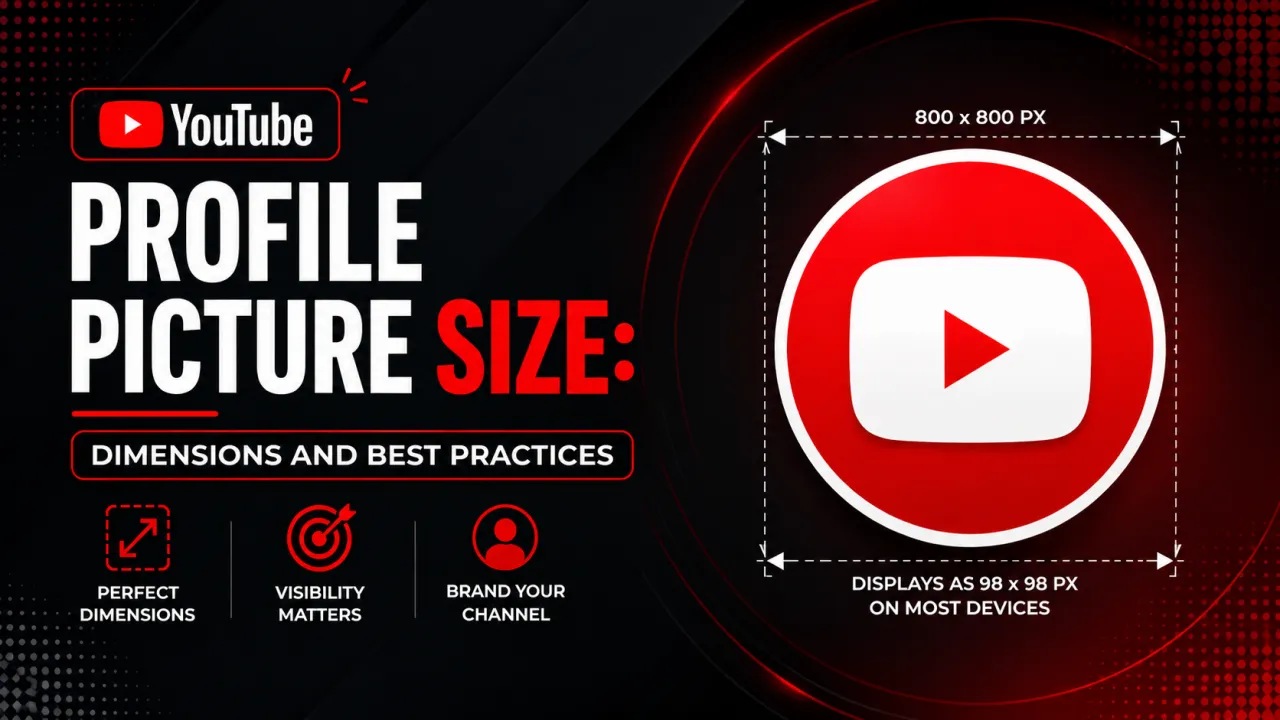
YouTube profile picture size is 800x800 pixels, displayed as a circle. The full guide to avatar dimensions, file limits, display sizes, and circle-safe design.
How to download a YouTube profile picture (channel avatar) at full 800x800 resolution from any channel, on desktop or mobile. Free, no login, in seconds.
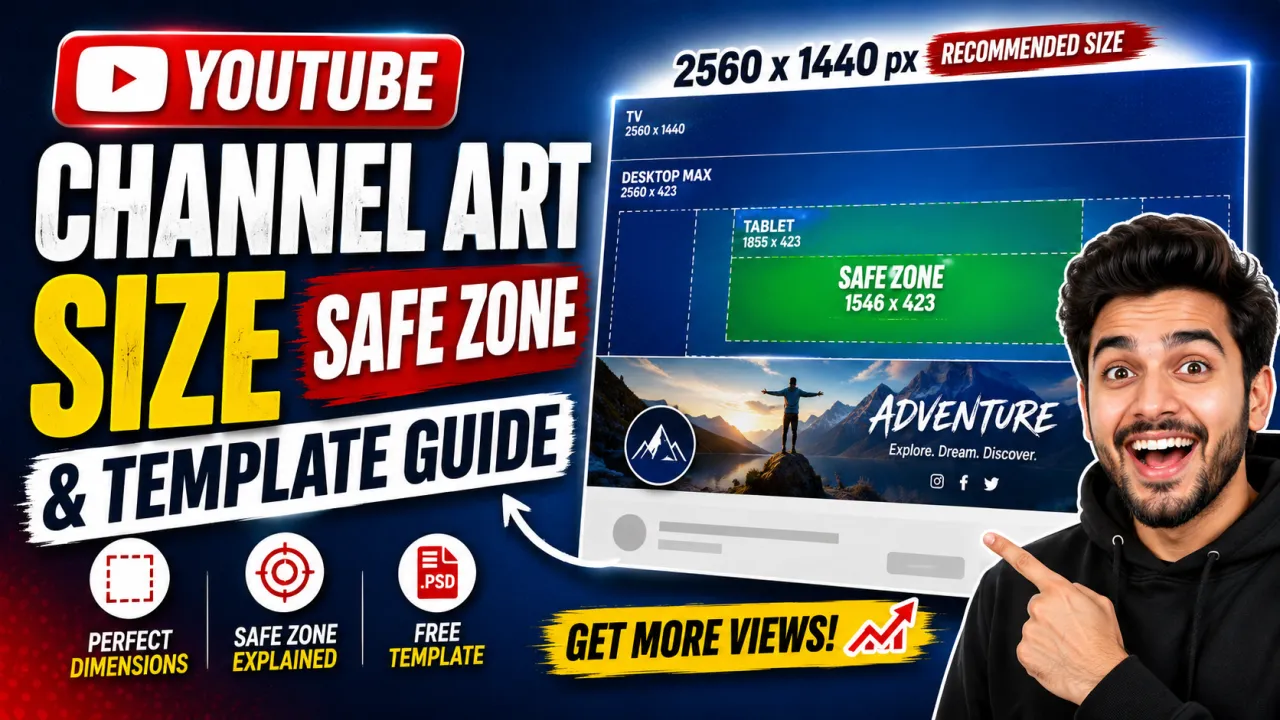
YouTube channel art size is 2560x1440 pixels with a 1546x423 safe zone. The full guide to banner dimensions, per-device crops, file limits, and design rules.
How to download YouTube channel art (the banner image) at full 2560x1440 resolution from any channel, on desktop or mobile, in a few seconds. No login required.

Three methods to copy any YouTube thumbnail - right-click save, CDN URL, or dedicated downloader. Covers quality differences and how to copy on any device.
Download YouTube Shorts thumbnails on any device - iPhone, Android, or desktop. Covers the vertical 9:16 format and step-by-step instructions for each.
Common questions about the YTI blog and guides.