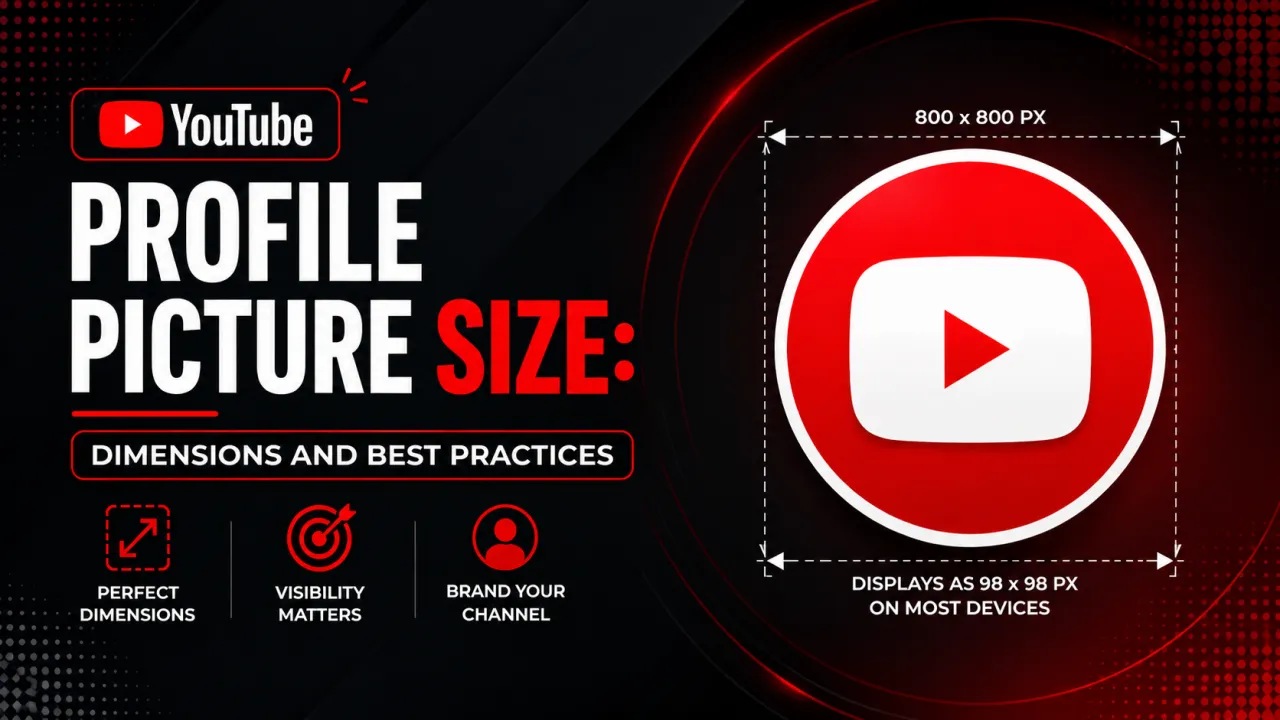
A YouTube profile picture also called the channel avatar, channel picture, channel logo, channel icon, or simply pfp has a recommended size of 800×800 pixels and is displayed as a circle everywhere on YouTube. It appears next to every video in search, in the subscription feed, beside each comment, and on the channel page, so it is the most-seen image your channel has. This guide covers the exact profile picture dimensions, the file limits, the display sizes, and how to design an avatar that stays sharp from 800 pixels down to 36.
Recommended YouTube Profile Picture Size
Upload your profile picture at 800×800 pixels on a square (1:1) canvas. This is YouTube's recommended resolution and the maximum the platform stores. The maximum file size is 4 MB, and YouTube accepts JPG, GIF, BMP, and PNG files. Animated GIFs are not animated for most viewers only a static frame is shown so treat the avatar as a still image. Designing at the full 800×800 size keeps your logo or face crisp when YouTube scales the image up for the channel header.
The File Is Square, the Display Is a Circle
YouTube stores your avatar as a square but always shows it inside a circular crop. The circle is applied at display time and does not change the stored file. The practical consequence is that the corners of your square image are never visible on YouTube roughly the outer 21% of the canvas area is hidden by the circle mask. Keep your subject centered, and treat the corners as throwaway space. When you download an avatar with the YouTube profile picture downloader, you get the full square file, which lets you see what was placed in those hidden corners.
Where Your Avatar Appears and at What Size
The same 800×800 source your channel icon is scaled down to many small sizes across YouTube. Knowing the smallest display size tells you how simple your design must be.
| Context | Display size | Notes |
|---|---|---|
| Channel page (desktop) | 98×98 px | Largest common display, next to the channel name |
| Video description | 48×48 px | In the channel row below the player |
| Comment section | 40×40 px | Beside every comment you post |
| Search results | 36×36 px | Next to your video title in search |
| Subscription feed | 36×36 px | On video cards in Home and Subscriptions |
The takeaway: your avatar is usually seen at 3648 pixels, roughly a fingertip on a phone. Anything that does not read at that size is wasted detail.
How to Design a Circle-Safe Avatar
Designing for the circle crop and the tiny display sizes comes down to a few rules:
- Center your subject and fill 7080% of the frame. Keep the logo or face away from the corners the circle hides, but large enough to read when scaled down.
- Use one bold focal element. A single face, a single letter, or one simple logo shape survives a 36-pixel render; busy illustrations and multiple elements turn to mush.
- Avoid small text. Text under roughly 24 pt in your design becomes unreadable at feed sizes. If you need words, use one short, bold word at most.
- Maximize contrast against both themes. A vivid, solid background color stands out against YouTube's white light theme and dark theme alike.
- Use a face for personal brands. Headshots tend to earn more recognition in feeds than logo-only avatars for creator channels.
You can build an avatar at the right size and contrast in the YouTube thumbnail maker, then check the circular crop before uploading.
Why an Avatar Looks Blurry at Small Sizes
If your avatar looks crisp on the channel page but blurry in comments or search, the cause is downscaling. YouTube shrinks your 800×800 image to 3648 pixels in those contexts, and thin lines, fine detail, and small text blur into a few pixels. The fix is not a larger upload 800×800 is already the max but a simpler design with one bold mark and high contrast. Open your channel on a phone right after uploading to confirm the avatar reads at feed size.
Profile Picture vs Channel Art vs Thumbnail
The avatar is one of three core YouTube images, each with its own size: profile picture 800×800 (circle), channel art 2560×1440 (banner), and video thumbnail 1280×720. Visual consistency across all three shared colors and type is what builds brand recall. For the banner, see the YouTube channel art size guide, and for the complete set of dimensions in one place, the YouTube image sizes guide. To grab an existing avatar at full resolution, the method is in how to download a YouTube profile picture.
Sources
Profile picture dimensions and file-size limits follow YouTube's official guidance in YouTube Help Add channel art and profile picture.
Frequently Asked Questions
YouTube recommends 800x800 pixels on a square 1:1 canvas, with a maximum file size of 4 MB. The avatar is displayed as a circle in every context, so keep important content centered and away from the corners that the circular crop hides.
YouTube accepts JPG, GIF, BMP, and PNG files for profile pictures, with a maximum file size of 4 MB. Animated GIFs display only a static frame for most viewers, so design the avatar as a still image. Use PNG for logos and JPG for photographic faces.
YouTube applies a circular crop to every avatar at display time using CSS, while storing the original square file unchanged. About the outer 21% of the square area is hidden by the circle, so center your subject and keep the corners free of essential content.
YouTube downscales your 800x800 avatar to as small as 36 to 48 pixels in search, comments, and the subscription feed, where thin lines and small text blur into a few pixels. A larger upload will not help since 800x800 is the maximum; use one bold mark with high contrast and no small text instead.
No — A profile picture is 800x800 pixels and shown as a circle, while channel art is 2560x1440 pixels and shown as a wide banner. They are separate assets with separate uploads. Keeping their colors and style consistent builds brand recognition across your channel.
Yes — "Channel picture", "channel profile picture", "channel logo", "channel icon", and "pfp" are all names for the same image: the circular avatar at 800x800 pixels that YouTube shows next to your videos, comments, and on your channel page. Whatever you call it, the recommended size is 800x800 pixels in a square file displayed as a circle.