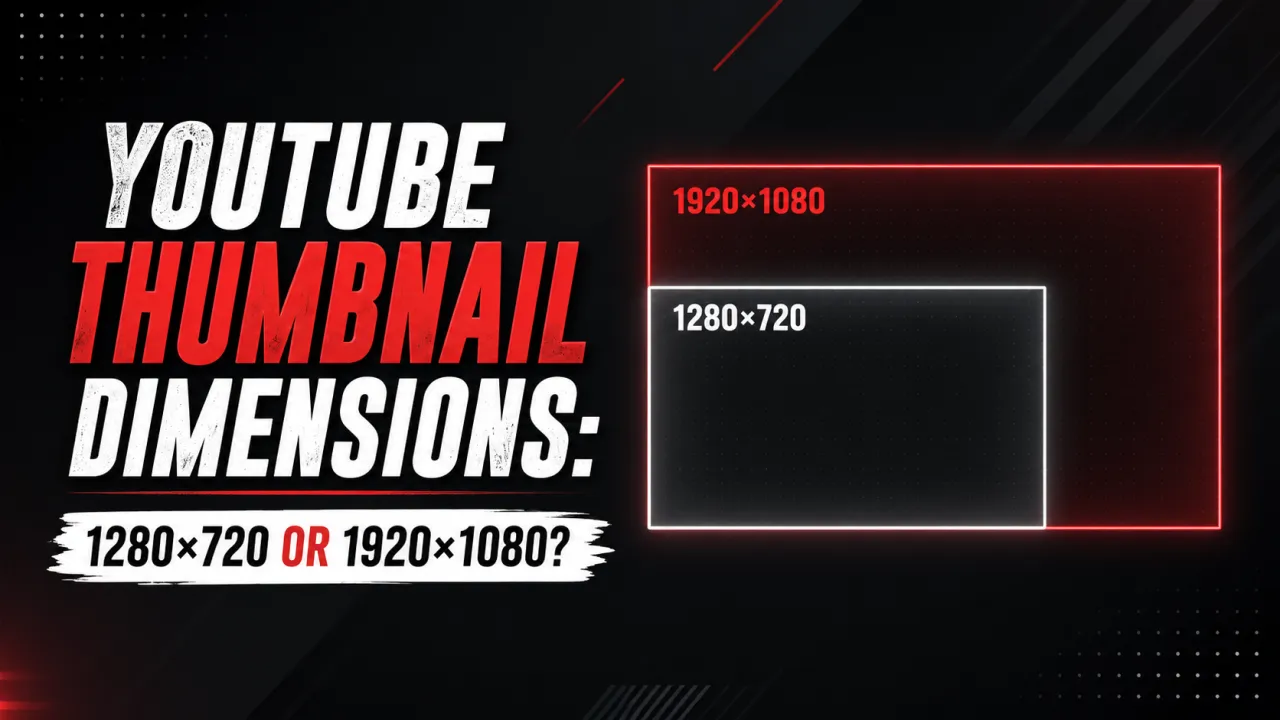
YouTube recommends uploading custom thumbnails at 1280?720 pixels, and that is also the size of the HD file you get when you download any YouTube thumbnail. A persistent myth claims the downloaded HD file is 1920?1080 it is not. This guide explains the real numbers and where the confusion comes from.
The short version: maxresdefault.jpg, the highest-resolution thumbnail YouTube stores, is 1280?720 the same as the recommended upload. YouTube does not upscale your thumbnail to 1080p on its servers.
The Upload Recommendation: 1280?720 Pixels
YouTube's official custom thumbnail specification for uploads is:
- Resolution: 1280?720 pixels (recommended)
- Minimum width: 640 pixels
- Aspect ratio: 16:9
- Max file size: 2 MB
- Accepted formats: JPG, PNG, GIF, BMP
This is what YouTube Help documents as the upload spec and what YouTube Studio enforces during the upload process. Uploading below 640 pixels wide will be rejected. Uploading above 2 MB will be rejected. The 1280?720 dimension is a recommendation, not a hard cap you can upload larger, but 1280?720 is the standard.
What YouTube Does After Upload: Scaling Down, Not Up
When you save a custom thumbnail in YouTube Studio, YouTube runs the image through its ingest pipeline and stores it at several fixed resolutions on its CDN. The highest-resolution stored version named maxresdefault.jpg in YouTube's CDN URL structure is 1280?720 pixels. From that master file, YouTube generates the smaller copies (SD, HQ, MQ) by scaling down.
YouTube never upscales a thumbnail to a resolution larger than the file it stores. There is no 1920?1080 stored tier and no 4K thumbnail file. The smaller copies exist so YouTube can serve a lightweight image to surfaces that do not need full resolution the browse grid, search results, the related-videos sidebar, and mobile previews.
The full set of stored resolutions:
| CDN filename | Dimensions | Label |
|---|---|---|
| maxresdefault.jpg | 1280?720 px | HD |
| sddefault.jpg | 640?480 px | SD |
| hqdefault.jpg | 480?360 px | HQ |
| mqdefault.jpg | 320?180 px | MQ |
The CDN URL for any of these follows the format: https://i.ytimg.com/vi/{VIDEO_ID}/{filename}.
Where the 1920?1080 Myth Comes From
The confusion has two roots. First, the filename maxresdefault sounds like it should mean maximum possible resolution, which many people assume is 1080p or higher but the actual file YouTube stores under that name is 1280?720. Second, 1920?1080 is the resolution YouTube recommends for video uploads, so creators carry the number over to thumbnails. For thumbnails specifically, 1280?720 is both the recommended upload size and the maximum stored size.
What This Means for Your Workflow
When uploading: Design and export your thumbnail at 1280?720 pixels as a JPG under 2 MB. This is the spec YouTube optimises for. You can upload a larger image, but YouTube will scale it back to 1280?720 for maxresdefault, so there is no quality benefit.
When downloading: The HD download from the YouTube thumbnail downloader gives you the 1280?720 maxresdefault file the highest resolution YouTube stored for that video. This is the correct file for design analysis, archival, or professional reference use.
For YouTube Studio display: When you view your thumbnail in YouTube Studio, it appears at 1280?720 because that is the actual stored size there is no larger hidden version behind it.
Once you know the right dimensions, you can scale any image to an exact 1280?720 frame with the free YouTube Thumbnail Resizer no upload required.
Frequently Asked Questions
You can, but it is not necessary. YouTube’s processing pipeline generates the same
maxresdefaultoutput quality regardless of whether you upload at 1280×720 or 1920×1080. Uploading at 1920×1080 increases your file size (making it more likely to exceed the 2 MB limit) without producing a better stored result. Stick with 1280×720 at JPG compression quality 85–90%.No — the highest-resolution file YouTube stores is
maxresdefault.jpgat 1280×720, the same size you upload. YouTube scales that master down to smaller SD, HQ, and MQ copies for different surfaces, but it never creates a larger 1920×1080 or 4K version.YouTube requires a minimum width of 640 pixels. The corresponding minimum height for a 16:9 thumbnail at 640 pixels wide is 360 pixels. Uploads below 640 pixels wide are rejected during the YouTube Studio upload process.
No — Thumbnail resolution has no direct effect on video search ranking. The visual quality and click-through rate of the thumbnail affect ranking indirectly through CTR signals — but those are determined by the image design, not the pixel dimensions.