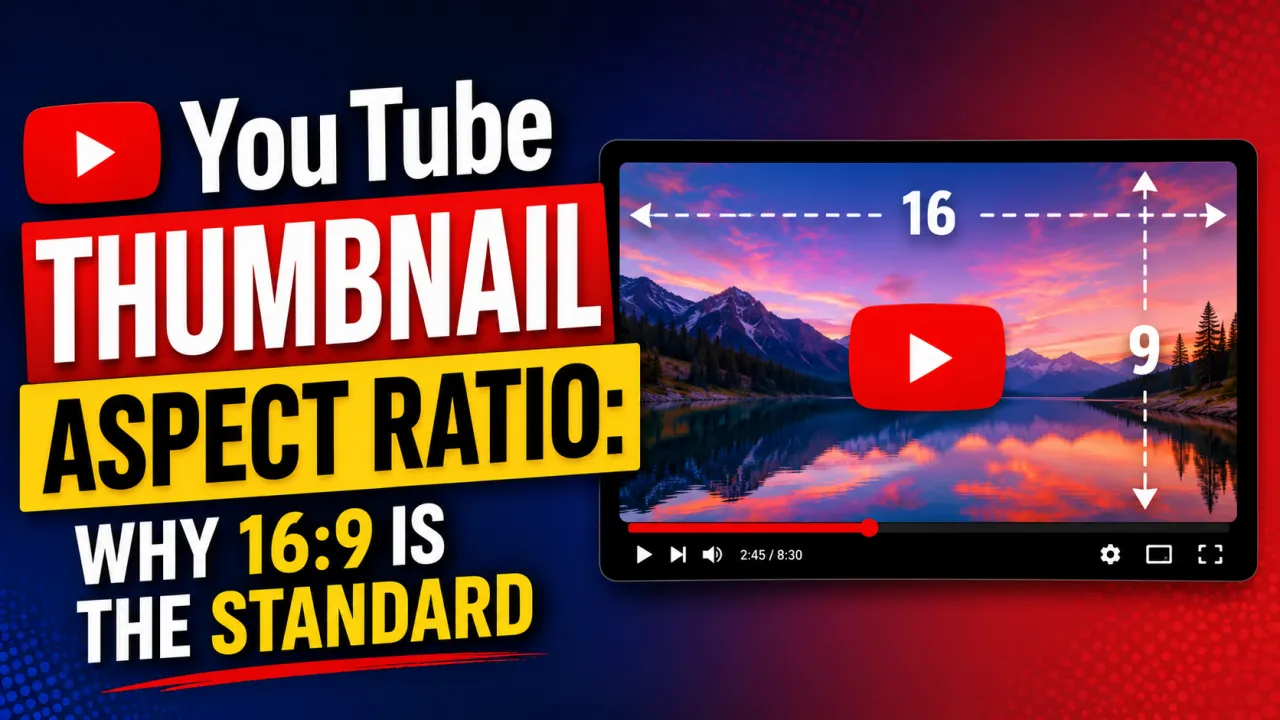
The aspect ratio of a YouTube thumbnail is the proportional relationship between its width and height. YouTube's standard thumbnail aspect ratio is 16:9 the same ratio as widescreen video. Understanding why this ratio is required, what happens when you use a different ratio, and how Shorts changes the equation is essential for any creator designing custom thumbnails.
What 16:9 Means
A 16:9 aspect ratio means the width is 16 units for every 9 units of height. For a 1280×720 pixel thumbnail: 1280 divided by 720 = 1.778, which is the decimal representation of 16/9. All of the following dimensions are 16:9:
- 1280×720 px YouTube's recommended upload size
- 1280×720 px YouTube's stored HD resolution (maxresdefault)
- 640×360 px HQ stored resolution
- 320×180 px MQ stored resolution
Notice that YouTube's stored SD resolution (640×480) is not 16:9 it is 4:3. This is a legacy artifact from YouTube's early era when 4:3 was the default video format. The 4:3 SD file includes black bars or slight stretching relative to the original 16:9 source. This is why the SD download from a thumbnail tool looks slightly different in proportions from the HD version.
Why 16:9 Is Required
YouTube's video player and the thumbnail grid in search results and recommendations are designed for 16:9 content. If you upload a thumbnail in a different aspect ratio, YouTube handles it in one of two ways:
- Letterboxing: A non-16:9 thumbnail that is wider than it is tall gets black bars added at the top and bottom to fill the 16:9 frame.
- Pillarboxing: A portrait-orientation thumbnail gets black bars on the sides.
- Cropping: In some display contexts YouTube may crop instead of adding bars.
Either outcome degrades the thumbnail's visual impact. Letterboxed or pillarboxed thumbnails look unprofessional and use less of the available visual space. Always design at exactly 16:9 to ensure your thumbnail fills the display frame completely.
How to Verify Your Thumbnail Is 16:9
In most design tools: set the canvas to exactly 1280×720 pixels before starting. If you are working at a different base size, verify the aspect ratio with a calculator divide the width by the height and confirm the result is approximately 1.778. In Canva, selecting "YouTube Thumbnail" as a template automatically sets the canvas to 1280×720. In Photoshop and Figma, set the document/frame dimensions manually to 1280×720.
YouTube Shorts: 9:16 Vertical Aspect Ratio
YouTube Shorts uses a vertical 9:16 aspect ratio the inverse of the standard 16:9. A 9:16 thumbnail at standard dimensions is 720×1280 pixels (or 1080×1920 for full HD vertical). Shorts are designed for the mobile phone screen in portrait orientation, and the Shorts feed displays thumbnails in a full-screen vertical format.
If you download Shorts thumbnails using YTI's Shorts downloader, you will receive the 9:16 vertical image. If you use the standard video downloader on a Shorts URL, the result depends on whether the creator set a standard or vertical thumbnail.
Frequently Asked Questions
A 1:1 square thumbnail will be pillarboxed — black bars appear on the left and right to fill the 16:9 space. The thumbnail will display but will look noticeably narrower than competitor thumbnails in the same search results page, which typically hurts CTR.
YouTube will accept it, but it will be letterboxed (black bars top and bottom) in most display contexts. There is no scenario where a 4:3 thumbnail outperforms a properly designed 16:9 thumbnail.
No — Aspect ratio is the proportional relationship (width:height ratio). Resolution is the actual pixel dimensions. A 1280×720 thumbnail and a 1920×1080 thumbnail have the same 16:9 aspect ratio but different resolutions. For upload purposes, use 1280×720. For detailed resolution specifications see the YouTube Thumbnail Size Guide.