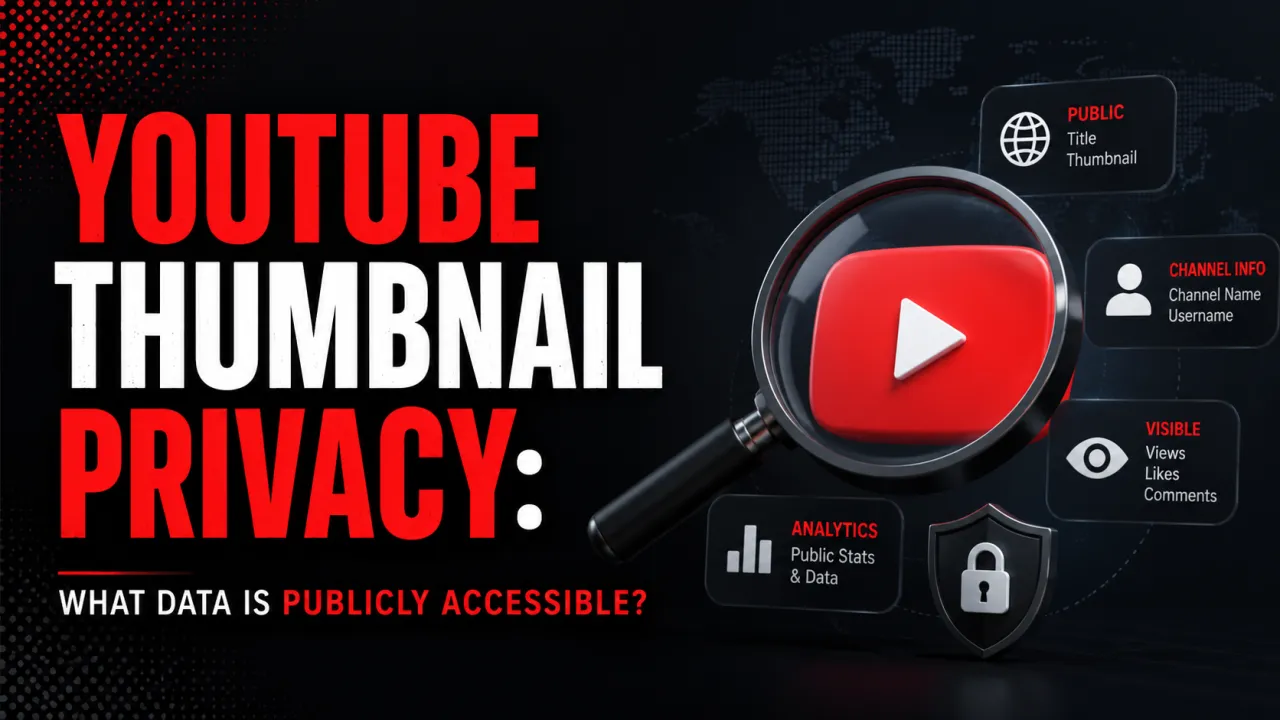
YouTube thumbnail privacy is straightforward in principle: thumbnails for public videos are publicly accessible, and thumbnails for private videos are protected. The mechanism behind this access control is YouTube's content delivery network (CDN) at i.ytimg.com, which enforces access based on the video's privacy setting at the server level.
Understanding what data is accessible in a YouTube thumbnail and what data is not matters for creators who are concerned about privacy implications of their thumbnails, and for users who want to understand what information they are accessing when they retrieve a thumbnail from the CDN.
How YouTube Controls Thumbnail Access
YouTube stores thumbnail images on its CDN at predictable URL patterns:
https://i.ytimg.com/vi/{VIDEO_ID}/{FILENAME}.jpgFor public videos, these CDN URLs are accessible without any authentication. Any browser, tool, or application can request the image file and receive it. This is intentional YouTube's search results, recommendation system, and third-party embeds all rely on the ability to fetch thumbnails without authentication.
For private and unlisted videos, YouTube restricts CDN access at the server level. A request for the thumbnail of a private video returns a 404 error the same response as a non-existent file. This means it is not possible to determine from a 404 response whether the video exists but is private, or simply does not exist at all. YouTube does not distinguish between these cases in the public CDN response.
Unlisted videos videos that are not public but can be accessed by anyone with the direct URL have CDN thumbnails that are accessible via the direct CDN URL if you know the video ID. This is consistent with YouTube's design intent for unlisted videos: they are not searchable, but they are accessible to anyone who has the link. Since the video ID is part of the unlisted video's URL, knowing the URL provides enough information to construct the thumbnail CDN URL.
What Personal Data Is Embedded in a YouTube Thumbnail
A YouTube thumbnail image is a standard JPG or PNG file. It does not contain personal data embedded by YouTube in the file itself. Standard JPG metadata (EXIF data) that would contain camera information, GPS coordinates, or device data in photographs is stripped or not included when YouTube processes the uploaded file.
What the thumbnail file does contain:
- Image pixel data (the visual content of the thumbnail)
- Basic image metadata (width, height, colour depth, format)
- In some cases, colour profile information (sRGB)
What the thumbnail file does NOT contain:
- Camera EXIF data (camera model, lens, settings) stripped by YouTube during processing
- GPS location data stripped by YouTube during processing
- Device information from the creator's computer or phone
- Creator account information, email, or channel ID
- YouTube internal tracking identifiers
If you photographed a thumbnail on your own device and uploaded it without first stripping EXIF data, the EXIF data that was in your original file is removed when YouTube creates the CDN versions. What YouTube serves from the CDN does not contain the EXIF metadata from your original upload.
Privacy Implications for Creators: What Your Thumbnails Reveal
The visual content of a thumbnail can reveal information about the creator their appearance, location, home environment, and personal circumstances in ways that the creator may not have consciously considered at upload time.
Common privacy considerations for creator thumbnails:
Location information: Background scenery, street signs, landmarks, or architecture visible in thumbnail images can reveal a creator's location. This is relevant for creators who wish to keep their location private for safety reasons. Consider what is visible in the background of photos used in thumbnails windows showing recognisable neighbourhoods, notable local buildings, and indoor environments can all provide location signals.
Appearance and identity: For creators who appear in their own thumbnails, the thumbnail is a public record of their appearance linked to their YouTube channel. This is the intended use but creators who are transitioning between public identities or who subsequently wish to separate their identity from older content should be aware that CDN thumbnails from deleted videos may persist in web archives and caches for some time after deletion.
Home environment: Indoor thumbnails that show home interiors can reveal information about living arrangements, possessions, and home security. This is most relevant for creators who receive harassment or have made their location a safety concern. For studio-style thumbnails, a plain background or a purpose-built set eliminates this information.
Other individuals: Thumbnails that include faces of other individuals family members, friends, colleagues should be considered carefully. People who appear in thumbnails associated with a public YouTube channel are essentially appearing in a public record linked to that channel. Where photos of others are used, their awareness and consent is appropriate.
Thumbnail Privacy After Deleting a YouTube Video
When a YouTube video is deleted, the associated thumbnail is eventually removed from YouTube's CDN. The timing of this removal is not immediate CDN caches may retain the thumbnail for hours to days after the video is deleted from YouTube's database. After the CDN cache clears, requests to the thumbnail URL return a 404.
However, third-party web archives (such as the Wayback Machine at archive.org), Google Image Search caches, and any site that embedded or linked to the thumbnail may retain copies beyond YouTube's deletion. YouTube's deletion of the CDN file does not remove thumbnails from systems that copied them while the video was public.
For thumbnails associated with videos you have deleted from YouTube, the realistic expectation is that the CDN copy is removed within days and the video no longer appears in YouTube search or recommendations. Copies in external archives may persist indefinitely. If a specific thumbnail's persistence is a privacy or safety concern, contacting the relevant archive or hosting service's removal process is the appropriate path.
To see exactly which public image YouTube exposes for any video, paste its link into the free YouTube thumbnail downloader.
For which file type to use, see our guide to YouTube thumbnail formats (JPG vs PNG).
Frequently Asked Questions
For public videos, yes — thumbnails are stored on YouTube's public CDN (i.ytimg.com) and are accessible without login or authentication. Your browser downloads them automatically whenever you or anyone else visits YouTube and the video appears on screen. For private videos, CDN access is blocked and thumbnail requests return a 404. For unlisted videos, the thumbnail is accessible if you know the video ID.
No — YouTube strips EXIF metadata — including GPS coordinates, camera model, and device information — when it processes uploaded thumbnails and creates the CDN versions. The files served from YouTube's CDN do not contain any EXIF data from the original uploaded image. However, the visual content of the thumbnail (background scenery, landmarks, interior environments) can reveal location information independent of file metadata.
After a video is deleted, YouTube removes the thumbnail from its CDN within hours to days. After CDN removal, requests to the thumbnail URL return a 404. Third-party archives (Wayback Machine, Google cache, external sites that embedded the thumbnail) may retain copies beyond YouTube's deletion. YouTube's deletion controls only its own CDN — it does not remove copies held by other systems.
No — Private video thumbnails are not accessible on YouTube's CDN. Requests for the thumbnail return a 404 — the same response as a non-existent file. YouTube does not distinguish between "private video" and "non-existent video" in the CDN response, which prevents confirmation of a private video's existence via thumbnail probing.
Requesting a thumbnail from YouTube's CDN generates a standard server log entry on YouTube's side, as any HTTP request does. YouTube's CDN logs include the requester's IP address, the requested URL, and timestamp. This data is retained and processed by YouTube/Google in accordance with their privacy policy. The download does not reveal personal account information to the creator of the original video — it is indistinguishable from the normal CDN request your browser makes when loading the thumbnail during a standard YouTube page visit.
The safety consideration depends on your personal circumstances and public profile. A thumbnail showing a distinctive home interior or exterior that is associated with your public YouTube channel creates a persistent public record linking your appearance to that environment. For creators who have experienced harassment or who have safety concerns about their home location being identified, a neutral background (plain wall, studio setup) eliminates this concern entirely. There is no technical privacy risk — the image is processed safely — but the visual content itself can reveal more than the creator intends.
Use the YTI thumbnail downloader before deleting the video — paste the video URL and save the thumbnail at HD resolution. Once the video is deleted and the CDN clears, the thumbnail becomes inaccessible through public means. Download and save any thumbnails you want to retain before initiating the deletion.